
Stocky was retired. Your stocktakes don’t have to be.
Stocktake & Inventory Count does the jobs you used Stocky for — stocktakes, purchase orders, receiving, transfers and reordering — on Shopify POS and in Shopify Admin. One plan, every feature, every location.
7-day free trial One plan, everything included Cancel anytime
Every Stocky job, and where it lives now.
Straight answers — including the two places MiMi works differently.
And a few things you didn’t have before
- Blind counts, so staff can’t copy the expected number
- Team count links with a 4-digit PIN — no Shopify accounts
- Counting keeps working offline and syncs later
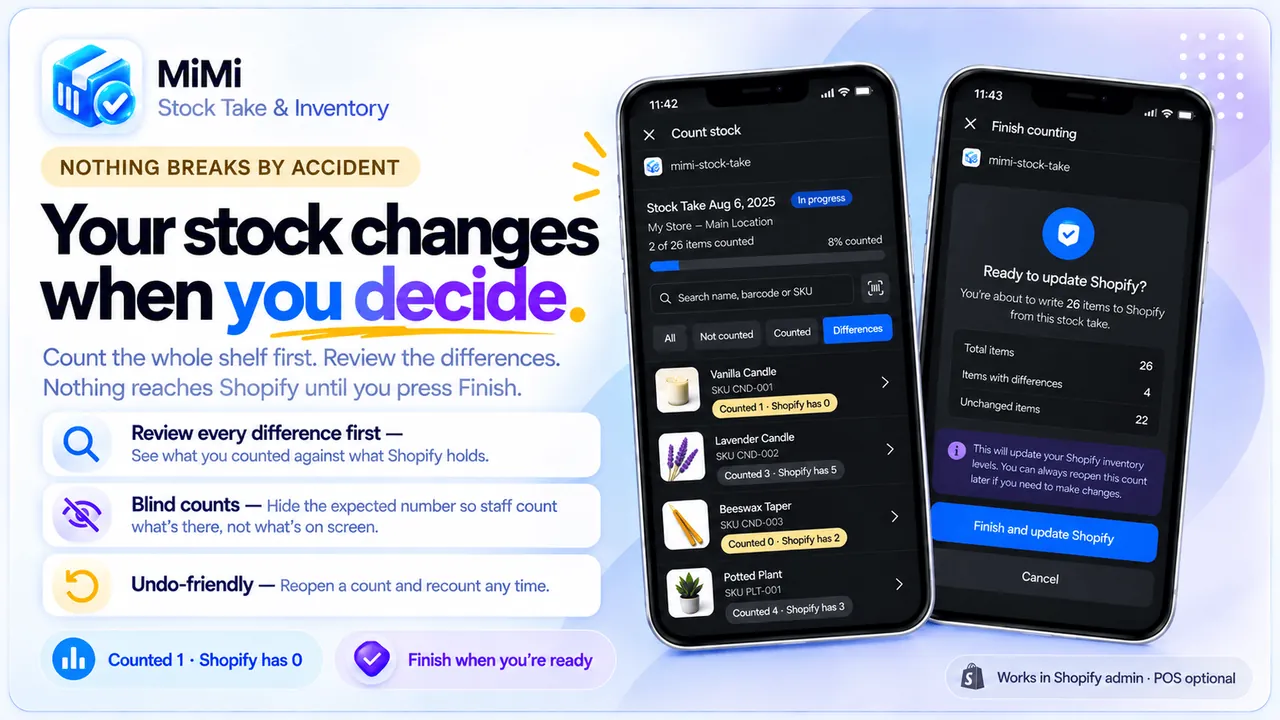
- Every difference reviewed before Shopify changes
- Works without POS Pro, on POS or in Admin
- Support straight from the developer, not a ticket queue
From Stocky to MiMi in five steps.
Your inventory already lives in Shopify, so nothing is lost. Start with a fresh count and you begin from real numbers.
Want a hand? Chat with us and we’ll help you move.
- 1
Start the free trial
Install from the Shopify App Store. 7-day free trial, then $9.99/mo for everything.
- 2
Run a fresh stocktake
Count the shelves once so you start from what is really there, not the last system figure.
- 3
Re-create open purchase orders
Add lines by hand or import them from a CSV.
- 4
Set reorder levels on your best sellers
The low-stock list works out the quantities and drafts the order.
- 5
Add the POS tiles
Stock Take, Receive, Transfer, Add and Remove Stock — behind a manager passcode if you like.
They left Stocky. Here’s what they said.
“Initial testing stage transitioning from Stocky – App is relatively easy to use! And support response is unbelievably quick and helpful by Malik!”
“It let us do our inventory as Stocky is no longer available. It did crash a few times, there needs to be filters and sort by, and it needed a couple more options for reporting to export. Other than that, it saved us and let us complete our inventory. Thank you!”
MiMi replied: “Sort by — you’re right, there isn’t any. That’s a fair miss and it’s being added.”
There is no direct Stocky import. Your inventory levels already live in Shopify, so nothing is lost when you switch. Purchase order lines can be imported from CSV, and if you have something else to move, write to us and we will help.
No. MiMi works on the standard Shopify POS app across multiple locations, and you can count entirely in Shopify Admin on a phone or laptop if you prefer.
7-day free trial, then $9.99/month. One plan, every feature included. Billed through your Shopify invoice, with unlimited locations, products and staff. Cancel any time.
Staff count from their own phones with a link and a 4-digit PIN, or from the POS tiles. A setup checklist inside the app walks you through everything, and a full user guide covers each screen.
Tell us. MiMi is built week by week from merchant requests — including requests from stores that moved off Stocky.

Count it properly again.
7-day free trial, then $9.99/month. One plan, every feature included.